
Are Toxic Backlinks Hurting Your SEO? What Google Actually Says

Summarize with AI
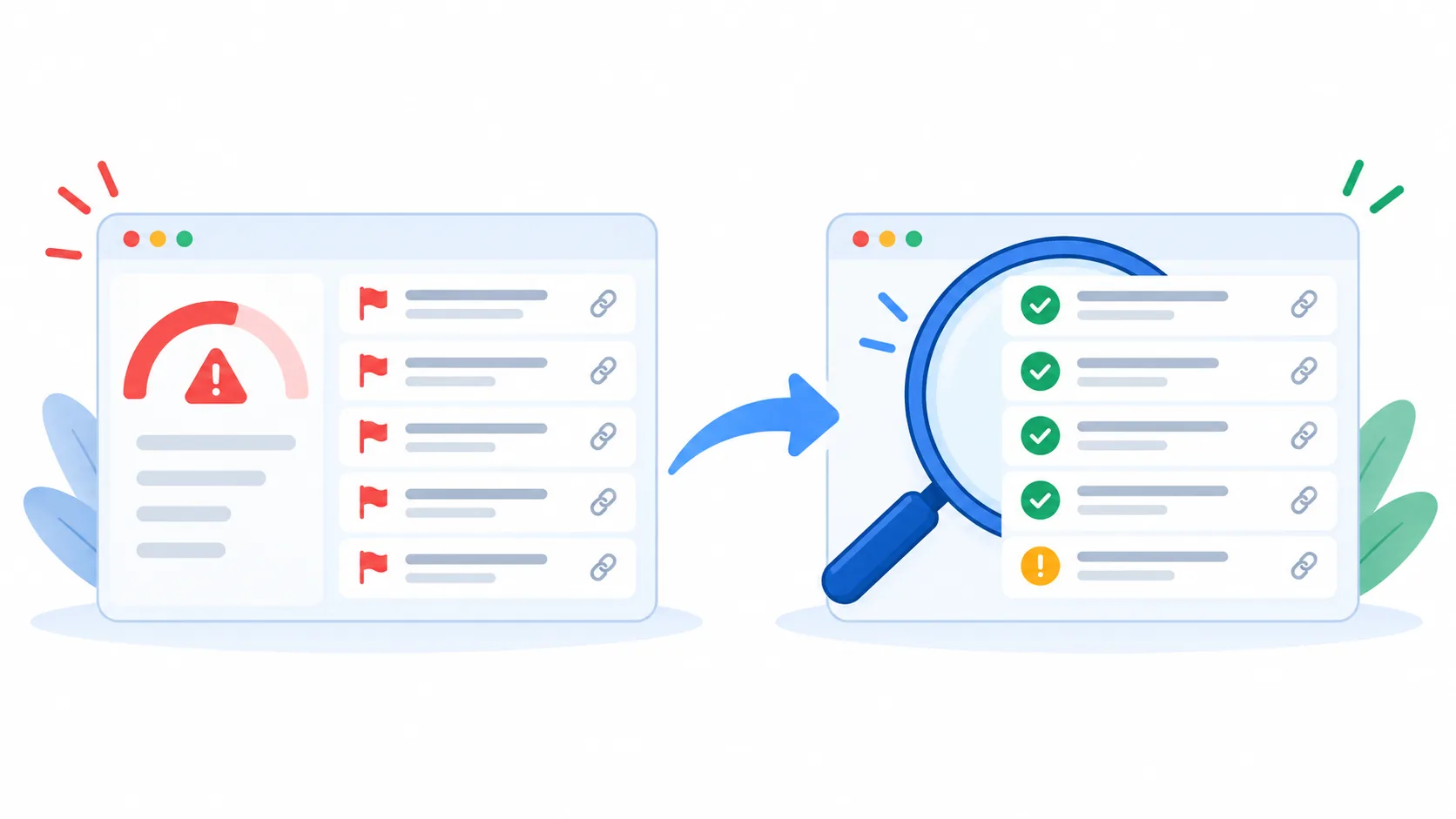
Run a backlink audit long enough and a red number shows up. In one audit we ran recently, the tool rated a profile’s toxicity as “High” and flagged more than half of its links, while the same report showed zero backlinks analyzed and nothing waiting for review. The score needed context before it could become a decision.
That is the pattern we keep seeing when we audit sites: alarming labels that don’t hold up under a closer look. Others have documented the same thing. SEO consultant Marie Haynes has said the links that can truly hurt a site are rarely the ones SEO tools return.
What toxic backlinks actually are
“Toxic backlinks” is a label created by SEO tools. It usually describes inbound links from spammy, irrelevant or manipulated sources: link farms, private blog networks, low-quality directories, hacked pages and scraper sites.
Google uses different words. Its spam policies talk about link spam, defined as links created to or from a site mainly to manipulate rankings. The Manual Actions report in Search Console calls them unnatural links. That difference matters, because Google’s documents describe what Google does, while a toxicity score describes what a tool’s algorithm predicts.
| What the tool flags | What Google evaluates | |
|---|---|---|
| Name | Toxic backlinks | Link spam, unnatural links |
| Who defines it | Each tool’s own algorithm | Google’s spam policies |
| What it tells you | Where to look first | What Google actually does with the link |
Each tool builds that prediction its own way. Semrush and Majestic weigh signals such as the linking domain’s trust, anchor text patterns and how fast links appear. Majestic itself admits there is no universal definition of a toxic link, and that a link that looks toxic for one site can be acceptable for another. Ahrefs goes further and deliberately does not label links as toxic at all.
The practical takeaway: a toxicity score is a sorting tool. It tells you where to look first. It does not tell you what Google thinks of your site.
Do toxic backlinks hurt your SEO?
In most cases, no. Google has spent the last decade building systems that neutralize spammy links instead of punishing the sites that receive them.
The turning point was Penguin 4.0 in 2016. Before it, a bad link profile could drag down an entire site. Since then, Penguin devalues spammy links by adjusting rankings based on spam signals, rather than demoting the whole site. In December 2022 Google added SpamBrain, its AI-based spam system, to the job. It can now detect both sites that buy links and sites that exist to pass them, and it cancels the credit those links carry.
Google’s people have repeated the same message for years. John Mueller has said Google’s systems work hard to ignore negative SEO and irrelevant, unnatural backlinks completely. In January 2026 he went further about comment spam links, saying they have no effect, positive or negative.
There is one nuance worth knowing. When a link spam update cancels the effect of spammy links, any ranking benefit those links gave you disappears, and Google says it cannot be regained. If your site was propped up by bought links, you can lose positions. That is the loss of an inflated position, and it works differently from a penalty.
The real penalty is a manual action: a person on Google’s webspam team reviews your site and decides it violates the policies. That is rare, it is visible in Search Console, and it comes with a clear path to fix it.
Why the alarm feels louder than the risk
If a red toxicity score made you nervous, that reaction makes sense. The term was born between 2012 and 2016, when Penguin could sink a whole site over bad links and fear of links was rational. The algorithm changed in 2016. The vocabulary stayed, and so did the products built around it.
Today the message also comes from places that sound official. When we searched “toxic backlinks” in October 2026, Google’s own AI Overview described them as links that violate Google’s link spam guidelines, which blends the tools’ label with Google’s policy. Plenty of articles online go further and cite updates or percentages that don’t appear in Google’s records.
None of this means the risk is zero. It means the volume of the warning is higher than the risk most sites actually face. The useful move is to know which situations deserve your attention, and to treat the rest as background noise.
When you should pay attention
The links worth worrying about share one trait: someone connected to your site had a hand in them. Random spam pointing at you is Google’s problem. These five situations are yours.
- You have a manual action for unnatural links. Open Search Console and check the Manual Actions report. If it lists “Unnatural links to your site,” a reviewer has flagged your profile and you need to act. This is the clearest case of all.
- You or a past agency bought or built links. Paid guest posts, link packages, link exchanges and optimized anchors in press releases all fall under Google’s link spam policy. Mueller has explained that when bad links do cause damage, they usually turn out to be the work of an SEO the company hired, built up over years. A competitor rarely has the patience for that.
- You bought a domain or migrated one with redirects. A 301 redirect carries the old site’s link history with it. Google even has a note for site owners who acquired a domain that already broke the rules: fix the issues and mention the purchase in your reconsideration request.
- Your site was hacked. Attackers inject hidden links into pages or create whole spam sections that link out to their own sites, and they often hide it from the owner. In this case your site becomes the source of spam, which is a bigger problem than anything pointing at you.
- Your outbound links aren’t qualified. Sponsored links need
rel="sponsored"ornofollow, and links in user content should carryrel="ugc"(Google’s guide to qualifying outbound links). Google’s policy also lists widely distributed links in footers or templates, which describes the “Designed by” credit many agencies place on every client site.
This list also answers a common question: which sites are most vulnerable? Sites with a history of link building, sites on a bought or migrated domain, WordPress sites with outdated plugins, and sites with open comment sections.
Should you be concerned about your backlinks?
Has Google applied a manual action for unnatural links?
Check the Manual Actions report in Search Console.
Has your site been involved in link scheme practices?
For example, buying links, PBNs, link exchanges or automated link building.
Have you bought a domain or completed a migration?
The domain may have a backlink history you are not aware of.
Has your site been hacked, or is it publishing links without control?
Unauthorized links, or outbound links without the proper attributes.
Do you see suspicious patterns in your backlinks?
Repeated anchor text, sudden spikes or unrelated sites.
No to every question
You can ignore them
No manual actions, no history of link schemes and no risk signals. Keep up your routine reviews.
Take action
You have a manual action. Ask for link removal, disavow the rest and request reconsideration.
Review
No manual action, but there are signals worth investigating. Analyze the links’ origin, their context and the site’s history before taking any action.
How to check your backlinks without panicking
A good check starts where Google talks to you directly, and only then moves to third-party tools. In this order:
- Open Search Console first. Check the Manual Actions report, the Security Issues report and the message panel. A clean Manual Actions report with a green check means no reviewer has flagged your site. A phishing warning can arrive in the messages without showing up under Security Issues, so read both.
- Check who has access. Under Users and permissions, confirm every owner and user is someone you recognize. Google’s own hacked-site guidance starts here, because an attacker who verifies ownership can change settings and hide the damage.
- Review the Links report with Google’s priorities. Google suggests starting with the sites that link to you the most and the links created in the last few months. That is where a problem built on purpose tends to show.
- Look for patterns, not scores. Repeated exact-match anchors, the same link across every page of another site, or a sudden spike from unrelated domains deserve a closer look. One odd link from a scraper site does not.
- Use your tool’s toxicity report as triage. It helps you sort a long list. In our own audits, links flagged as toxic regularly turn out to be harmless once we review them by hand, which is consistent with Google ignoring most of them anyway.
If you want the wider picture of what a site check should cover beyond links, our guide on why an SEO audit matters walks through the rest.
Should you disavow toxic backlinks?
Only in specific cases. Google recommends disavowing links when you have a considerable number of spammy, artificial or low-quality links pointing to your site and they have caused a manual action, or likely will. Without that, the disavow tool has little to fix.
If you do have a manual action, Google’s instructions are precise:
- Ask the site owners to remove the links or add
nofollowfirst. Disavowing everything without trying to remove anything is not considered a good-faith effort and can get your reconsideration request rejected. - Disavow only what you couldn’t remove, using the
domain:operator for whole domains. - Never disavow organic links.
- Document what you did in the reconsideration request, and expect link-related reviews to take longer than usual.
Disavowing on a tool’s recommendation alone carries its own risk. In 2024, Ahrefs disavowed 129 links that a well-known SEO tool flagged as toxic or potentially toxic, all pointing to three of its blog posts. Over the next 20 days, Search Console traffic to those posts fell 7.1%, from 1,021 to 948 visits, with mixed results by page:
The test was short and a core update cut it off, so it’s a signal rather than proof. An earlier Ahrefs test points the same way: disavowing all links to those same posts in 2021 made traffic drop, and it didn’t fully come back after the disavow was removed.
How often to review your link profile
There’s no single right number, because the checks don’t cost the same. The quick ones in Search Console take minutes and catch the problems that never announce themselves: spam updates send no notification, and a manual action only shows up inside Search Console. A full review of your links takes longer and matters more on some sites than others.
| Review | What to check | How often |
|---|---|---|
| Quick review | Manual Actions, Security Issues, messages, users and permissions | Monthly |
| Link profile analysis | Top linking sites, recent links, anchors, outbound links | Every 3 to 12 months |
| Extraordinary review | Everything above, compared with your last review | After a migration, a manual action or a traffic drop |
Sites with a history of link building, a bought or migrated domain, or open comment sections may need more frequent reviews.
Keeping a record of each review pays off the day traffic drops. You’ll know which links were already there, so you can rule them out quickly and look for the real cause.
The difference between alarmed and informed
A toxicity score can’t see what Google sees. What protects a site is knowing the handful of situations that deserve action. Everything else can wait for your next routine check.
If you are still deciding how much links matter for your business in the first place, our comparison of local SEO and traditional link building covers that question.
A report has you worried?
We’ll review your Search Console data and your link profile and tell you plainly whether anything needs fixing, or whether you can leave it alone.